
Social Media · Practical learning
Build a One-Week Social Content Calendar Around Real Audience Questions
Plan seven useful posts with distinct purposes, specific examples and a manageable production workload.
A content calendar should be a plan for useful communication, not seven empty boxes labelled motivation, tips and engagement. Start with the questions your audience is already trying to answer. Then choose a format that can explain each answer clearly. This lesson creates a fictional week for a digital marketing academy. It balances practical teaching, a demonstration and an invitation to ask about the course. You can adapt the method to a small business without posting simply to satisfy a daily quota.
Collect questions before choosing formats
Write down questions from prospective learners, public discussions and your own beginner experience. “How do I know whether an enquiry is useful?” is specific. “Digital marketing benefits” is broad. Choose questions you can answer accurately with examples. If the answer depends on unconfirmed course details, ask admissions before publishing. Keep the source of each question in your private planning sheet so future topics come from observed needs rather than a random generator of popular-sounding headlines.
Assign a distinct purpose to each post
A calculation example can teach. A completed worksheet can demonstrate the learning experience. A trainer explanation can address a common mistake. A course invitation can help someone take the next step. These purposes can work together across the week without turning every post into a sales pitch. Do not assume that a balanced calendar needs an arbitrary percentage split. The right mix depends on the audience’s questions, available evidence and the team’s ability to produce good material consistently.
Choose the simplest useful format
A short written explanation may be enough for one question. A comparison may benefit from a carousel. A practical screen demonstration may need video. Do not force every topic into the format that is currently fashionable. Think about how the content will be consumed on a phone and whether the key information remains readable. If a post depends on tiny spreadsheet cells, crop and explain the important part rather than shrinking the whole document into an attractive but unusable square.
Plan production and checking
For each post, identify the person responsible for the script, visual, factual check and publication. Record the asset needed and the deadline. A calendar that assumes daily video filming without recording time is not practical. Reuse a strong lesson in different ways only when each version adds a useful angle. Avoid publishing the same paragraph repeatedly with a new opening line. A manageable production plan protects quality and makes it easier to sustain the calendar beyond the first enthusiastic week.
Review the questions people ask afterwards
Look at relevant replies, saves, visits and conversations in the context of the post’s purpose. A useful explanation may lead to thoughtful questions even if its reach is modest. Record which misunderstandings remain and turn them into follow-up lessons. Do not promise a fixed engagement rate from the format alone. Distribution, audience fit and content quality all matter. Your calendar should become more informed as evidence arrives, rather than remain a rigid schedule that ignores what learners actually need.
Worked example
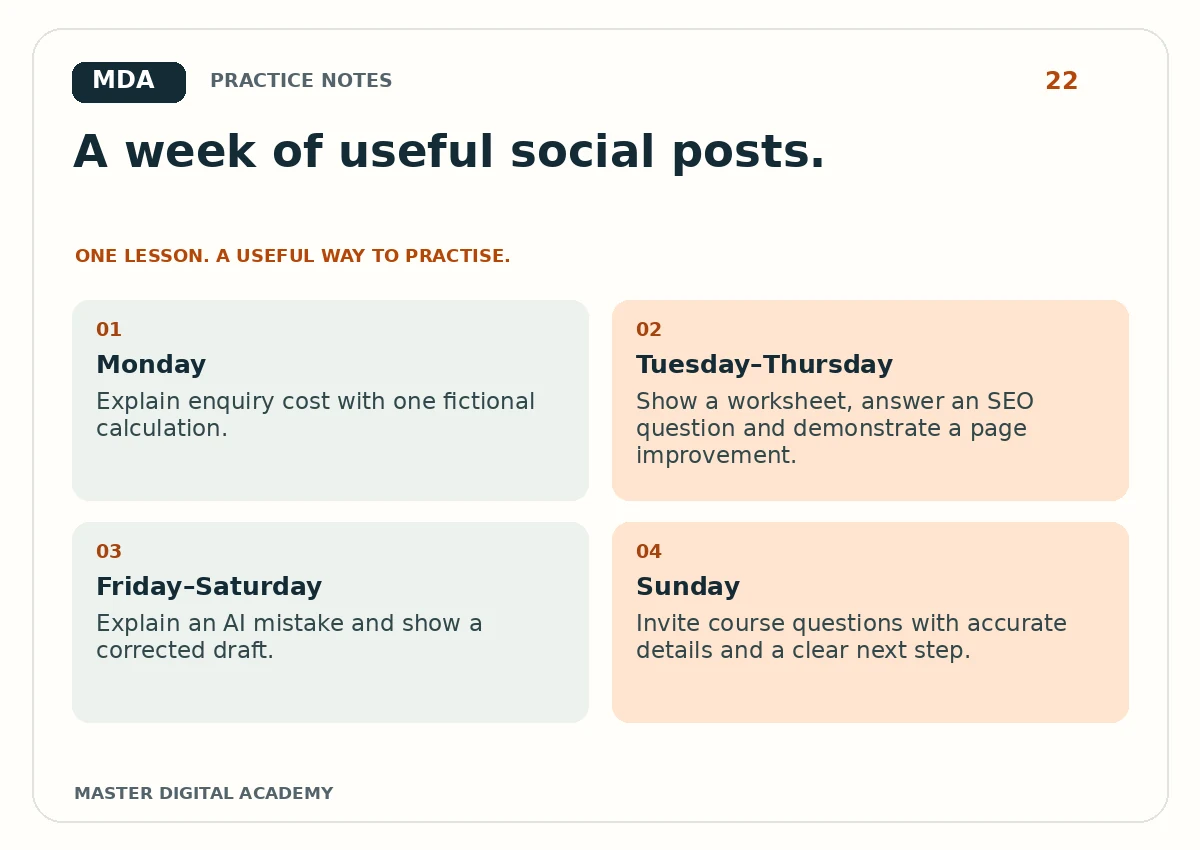
- Monday
- Explain enquiry cost with one fictional calculation.
- Tuesday–Thursday
- Show a worksheet, answer an SEO question and demonstrate a page improvement.
- Friday–Saturday
- Explain an AI mistake and show a corrected draft.
- Sunday
- Invite course questions with accurate details and a clear next step.
Try it yourself
Create seven entries with question, purpose, key example, format, asset, owner and next action. Write two posts completely rather than leaving every item as a title. Check factual claims and mobile readability. Give the calendar to a teammate and ask which assets they would need to produce it. If the answer is unclear, strengthen the brief. Keep a blank results column for observations after publication.
Questions learners ask
Must a business publish every day?
No. Choose a cadence that supports useful work and can be maintained.
Can one lesson produce several posts?
Yes, when each post answers a distinct question or demonstrates a different practical step.
Keep learning
Further reading: Meta Blueprint: learning resources.