
Email · Practical learning
Write a Three-Email Welcome Sequence for People Who Asked About a Course
Plan useful course-enquiry follow-up with a lesson, a practical decision guide and an invitation to discuss genuine questions.
A course enquiry does not give a business permission to send an endless stream of pressure messages. A useful follow-up should answer the learner’s next questions and respect the scope of their request. This exercise plans three emails for people who explicitly asked to receive course information. It is a writing and workflow example, not a legal compliance checklist. The business must confirm its permissions, unsubscribe handling and actual course details before using the sequence.
Start with what the person requested
If someone asked about a digital marketing course, the first email should provide relevant information and explain the next step. Avoid switching immediately to unrelated offers. Use a clear sender identity and a subject that matches the content. A simple opening can acknowledge the request and link to the curriculum or a useful lesson. Do not claim a seat is reserved or a demo confirmed unless that has actually happened. The reader should understand why the message arrived.
Give the first email one useful job
Email one can help the learner see the teaching approach through a sample lesson. Briefly explain what they will try and how long the exercise may take if that estimate is reasonable. Keep the message readable on a phone. A clear link is more useful than a large image carrying all the text. Include a way to ask a genuine question. Before sending, verify the destination and make sure the lesson works without requiring information the learner has already provided unnecessarily.
Use the second email to support a decision
The next message can explain how to compare a course: weekly work, feedback, mode, schedule and confirmed inclusions. This is more helpful than repeating a generic “limited opportunity” line. Use accurate details and direct the learner to admissions for anything not yet confirmed. Do not invent a price deadline to create urgency. A good decision guide can help someone realise the course is unsuitable, which saves both sides time and supports more relevant conversations.
Invite a specific next step in the third email
Ask whether the learner wants to discuss their goal, see a demo or confirm a workable timetable. Make the action clear without pretending that clicking a link creates an appointment. If the person has already replied or enrolled, the workflow should stop or change appropriately. Automated follow-up should respond to real status where possible. Keep a human route for questions that do not fit the sequence, such as accessibility, timing or the learner’s previous experience.
Test delivery and stopping conditions
Send test messages to your own authorised test addresses and inspect subject lines, links, mobile layout and the reply route. Check that unsubscribe or stop requests are handled by the actual sending system. Keep the enquiry list separate from purchased or unrelated contacts. A three-email plan is incomplete if nobody defines when sending begins and ends. Record the trigger, permission basis, spacing and exit conditions before connecting any automation. Useful writing depends on reliable sending operations as well as tone.
Worked example
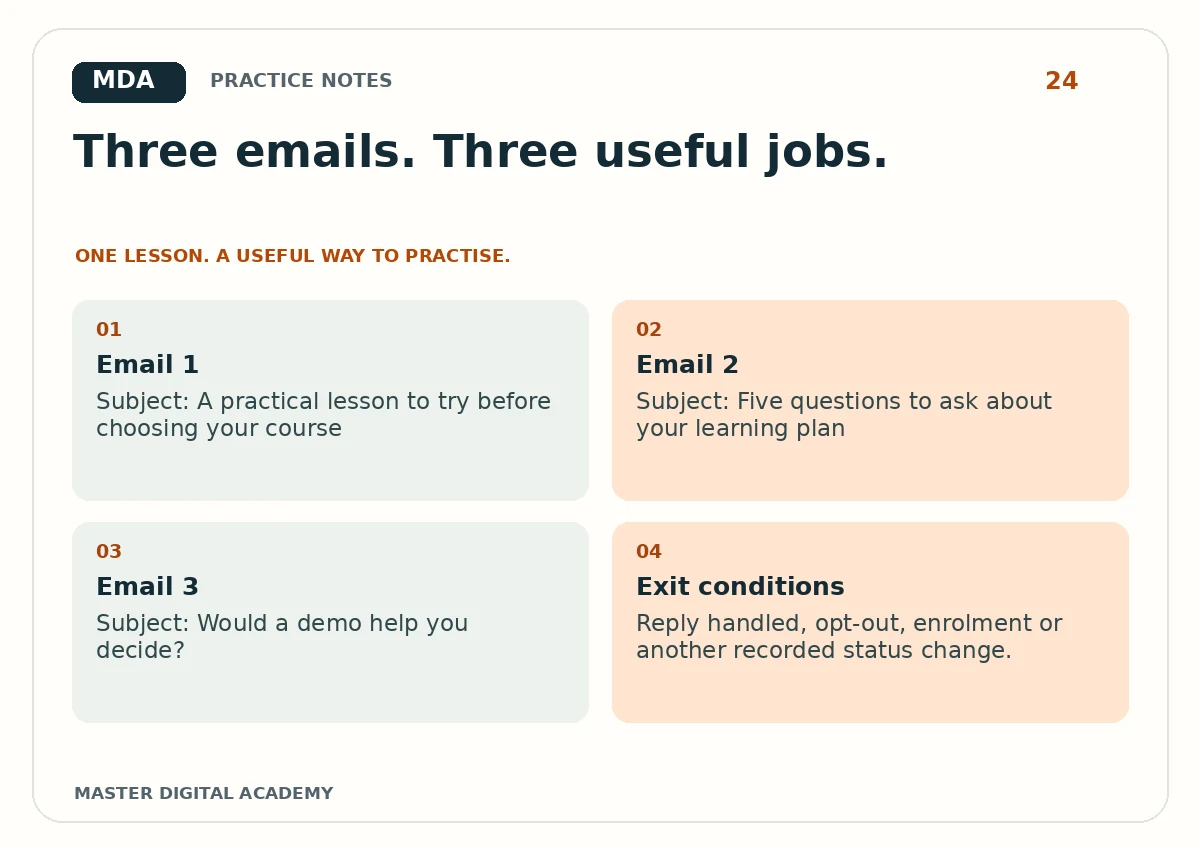
- Email 1
- Subject: A practical lesson to try before choosing your course
- Email 2
- Subject: Five questions to ask about your learning plan
- Email 3
- Subject: Would a demo help you decide?
- Exit conditions
- Reply handled, opt-out, enrolment or another recorded status change.
Try it yourself
Write all three emails in fewer than 180 words each. Give every email one main purpose and one clear action. Mark any sentence that depends on a course fact and verify it. Add a workflow note showing the start trigger, send spacing and stop conditions. Test the links and reply address. Present the sequence as permission-based course information, with no invented scarcity, salary promise or guaranteed admission outcome.
Questions learners ask
Can I send this to a purchased contact list?
This exercise is for people who asked to receive course information. Do not assume unrelated contacts have agreed to this sequence.
Should every email ask for payment?
No. Follow-up should answer relevant questions and help the learner choose a suitable next step.
Keep learning
Further reading: Mailchimp: email automation basics.