
Automation · Practical learning
Map an Enquiry Follow-Up Automation Before Choosing a Tool
Design an enquiry workflow with clear ownership, saving, notifications, failure handling and useful status updates.
You do not need to choose an automation platform before understanding the process. Start by following one enquiry from the visitor to the person who will answer it. Where is it saved? Who knows it arrived? What happens if a step fails? This exercise maps a course enquiry without assuming that a successful form message also sent an email. The result is a workflow a developer or operations teammate can implement and test using the tools the business actually has.
Define the trigger accurately
The trigger should represent a real event, such as the backend confirming a saved enquiry. A click on the submit button may happen even when validation fails. A prepared WhatsApp message may never be sent. Name the trigger according to the evidence available. Write down the minimum fields needed for the next step and where they come from. If the form collects more information than the team uses, question that collection rather than passing everything through every system by default.
Separate saving from notifying
A private database record and an email notification are two different outcomes. The database can save successfully while the notification fails. Design both steps explicitly. Store a stable reference so the team can connect the alert to the saved record. Avoid including unnecessary personal details in widely shared channels. A notification should help the responsible person act, while the lead system remains the authoritative place for the enquiry. Do not mark the whole workflow failed simply because a secondary alert needs retrying.
Assign a human owner and response status
Specify who reviews new enquiries and how they record contact attempts, suitability and next steps. Automation can route a request, but it cannot solve an unassigned inbox. Use clear statuses such as new, contact attempted, conversation held and next action agreed. Keep unknown information visible. A demo request should not automatically become a confirmed booking. The learner may need a suitable time, and admissions may need to confirm availability before making that promise.
Design failure and duplicate handling
A repeated submission or retried job should not create a stream of identical alerts. Use a suitable reference or idempotency approach and preserve legitimate separate enquiries. Define what happens when saving fails, notification delivery is uncertain or a destination is unavailable. Log enough operational information to diagnose the problem without exposing private details. On staging, test an interrupted step and a retry. Reliable automation is largely about these less visible states, not the attractive diagram of the happy path.
Measure the process before expanding it
Begin with the simplest workflow that saves the enquiry, makes it visible to an owner and records a next action. Check whether the team can retrieve and respond to records consistently. Then consider reminders or integrations if a measured problem justifies them. Adding five platforms to an unclear process increases maintenance without improving the learner experience. Your finished workflow should make ownership and evidence obvious enough that another person can explain what happens after a request is submitted.
Worked example
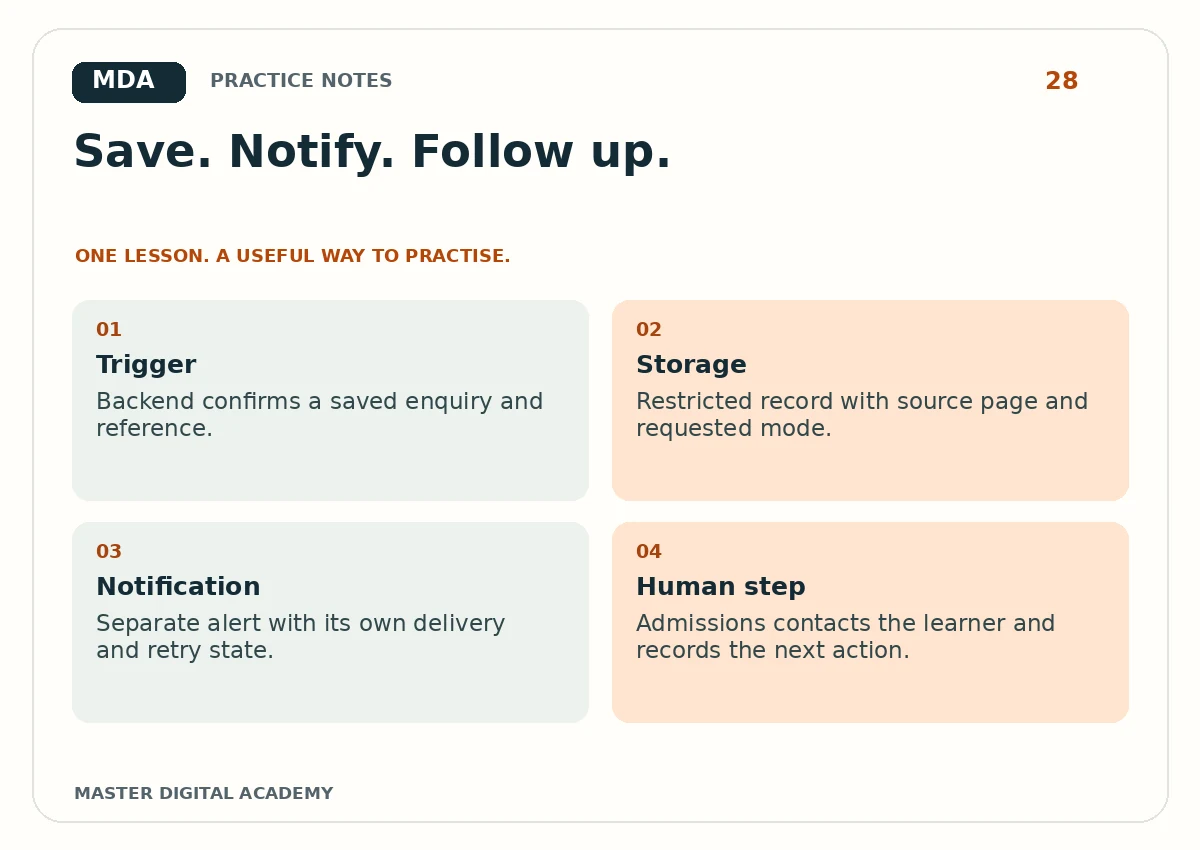
- Trigger
- Backend confirms a saved enquiry and reference.
- Storage
- Restricted record with source page and requested mode.
- Notification
- Separate alert with its own delivery and retry state.
- Human step
- Admissions contacts the learner and records the next action.
Try it yourself
Draw a workflow with success, failure and retry paths. Write who owns each step and what evidence confirms it. Include a duplicate-submission case and a notification failure. Use fictional data to walk through all paths. Finish with a checklist for the developer and admissions team. If the map cannot explain how a saved record reaches a responsible person, simplify and repair that gap before selecting an automation product.
Questions learners ask
Does a form database automatically email admissions?
No. Saving and notification need separate implementation and verification.
Must a beginner learn n8n first?
No. Understand triggers, data, ownership and failure handling before choosing a tool.
Keep learning
Further reading: OWASP: logging guidance.