
Analytics · Practical learning
GA4 Event Planning for a Lead-Generation Website: Start With the Journey
Plan meaningful events for phone clicks, WhatsApp preparation and confirmed enquiry saving without confusing them with admissions.
Analytics becomes easier when you name the real action before choosing an event name. Clicking a WhatsApp button, preparing a message, saving a form and enrolling on a course are different events. Treating them all as leads makes a dashboard look busy while hiding where the process breaks. This lesson creates an event plan for an academy website. It focuses on meaning, implementation evidence and privacy rather than asking you to memorise every menu in a changing analytics interface.
Draw the visitor journey first
A learner reads a course page, checks the curriculum, opens a form and submits an enquiry. Admissions later contacts them, arranges a demo and may record an admission. Put website actions and later business outcomes in separate parts of the diagram. Identify which system can verify each event. The browser can observe a click; the backend can confirm saving; the admissions system can confirm enrolment. This distinction should determine the measurement plan before you add a tag.
Choose a small set of useful events
Start with events that answer operational questions. A phone click shows interest in calling, not proof of a connected conversation. A WhatsApp click shows an attempted handoff. A confirmed form save can represent an online enquiry. Keep event names consistent and document the trigger. Avoid tracking every scroll or decorative button simply because it is possible. A smaller set with clear definitions is easier to test and less likely to inflate reports with duplicate or meaningless actions.
Define the evidence behind success
For a saved enquiry, the success event should follow a successful backend response. If the request fails, record an error without pretending the enquiry was saved. If the form only prepares a WhatsApp message, name that action accordingly. Check whether a page reload or repeated click fires duplicate events. Your plan should describe the expected behaviour and how a tester will confirm it. Event naming alone cannot fix a trigger attached to the wrong moment in the journey.
Keep personal information out of analytics
Do not send a learner’s name, phone, email or free-text enquiry as event parameters. Use appropriate non-personal context such as course mode or the page path when it is useful and permitted. Review URLs too, because query strings can accidentally contain personal details. Analytics is not a replacement for a restricted lead system. Ask the site owner to review the data collection and consent setup for the actual audience and tools. Keep the measurement plan aligned with what the website tells visitors.
Test the whole chain and document limits
Use the available analytics debugging tools and compare browser actions with recorded events. Then compare the confirmed enquiry with the receiving system. The test is incomplete if you only see a tag firing. Check a successful save, an invalid form and a backend failure on staging. Record the browser, date and expected result. If business outcomes are maintained manually, explain how they will be joined at an aggregate level. The goal is a trustworthy picture of the journey, not a dashboard full of green indicators.
Worked example
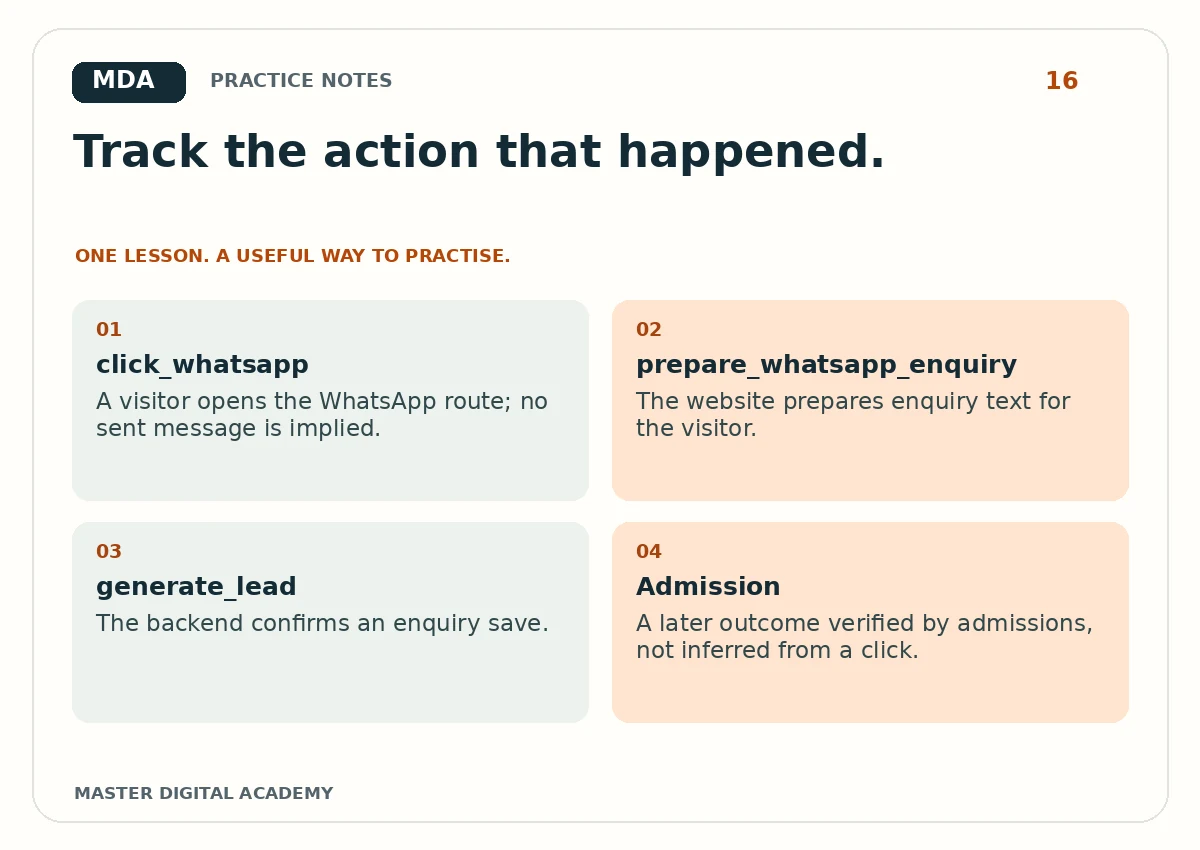
- click_whatsapp
- A visitor opens the WhatsApp route; no sent message is implied.
- prepare_whatsapp_enquiry
- The website prepares enquiry text for the visitor.
- generate_lead
- The backend confirms an enquiry save.
- Admission
- A later outcome verified by admissions, not inferred from a click.
Try it yourself
Build an event sheet with action, event name, trigger, permitted parameters, evidence and owner. Include one event you deliberately choose not to track. Test at least three paths on a practice website: success, validation failure and backend failure. Present the test evidence without personal data. Explain one limitation in the measurement, such as not knowing whether a phone call connected. That qualification makes the plan more useful, not less professional.
Questions learners ask
Is every event a key event?
No. Select the actions important to the business, and keep their definitions clear.
Can a button click prove that a lead was saved?
No. A reliable saved-lead event needs confirmation from the receiving system.
Keep learning
Further reading: Google Analytics: events.