
SEO · Practical learning
How to Build an Internal Link Map for a Small Website
Connect service pages, useful guides and next steps with a simple internal-link worksheet and an actionable example.
Internal links help a reader take the next useful step. They also help search engines discover pages and understand relationships. A small website does not need a complicated linking formula to begin. It needs pages with clear purposes and links placed where a visitor would benefit from them. In this exercise, you will connect a service page, two guides and a contact page. The aim is a sensible journey, not adding the same commercial link to every paragraph.
Inventory pages before adding links
List the URLs you already have and write a short purpose beside each. Include course pages, tools, guides and important policy pages. Check that every destination loads and that the page still says what its label promises. A neat spreadsheet is not useful if half the links redirect to unrelated pages. Group the list by subject so you can spot missing connections. If two pages have almost identical purposes, resolve that overlap before building a large network of links between them.
Choose links around the reader’s question
Suppose a visitor is reading about measuring marketing enquiries. A link to a lead-quality calculator makes sense beside a worked calculation. A link to a course page may make sense when discussing guided practice. A link to an unrelated city page usually adds little. Explain the reason for each proposed link in your worksheet. If the only reason is “SEO,” look harder for the reader benefit. Good linking often follows the question the previous paragraph naturally raises.
Write anchor text that names the destination
“Use the lead-quality calculator” sets a clearer expectation than “click here.” You do not need to repeat one exact keyword phrase throughout the website. Use descriptive words that fit the sentence. Keep links visible and easy to distinguish from surrounding text. In normal HTML, a real anchor with an href provides a navigable destination. If a developer builds a button that only runs JavaScript, check whether a conventional link would serve the reader and crawler more reliably.
Give important pages a sensible way in
A useful guide should not exist only as a URL in a spreadsheet. Link to it from a relevant hub or another appropriate page. For a training website, the blog can introduce new lessons while course pages link selectively to examples that demonstrate the teaching. This creates more than one natural discovery route. You can also add related reading at the end of an article, but those cards should support the main links rather than replace contextual explanations throughout the article.
Audit the journey on a phone
Open the starting article and follow each link as if you knew nothing about the website. Does the destination answer the promised question? Can you get back to the learning hub? Are links too close together to tap comfortably? Review the route after a redesign, because URLs can remain valid while their content changes. Keep a short list of orphan pages, misleading labels and unnecessary detours. Fixing those issues often provides more value than adding another ten links to a footer.
Worked example
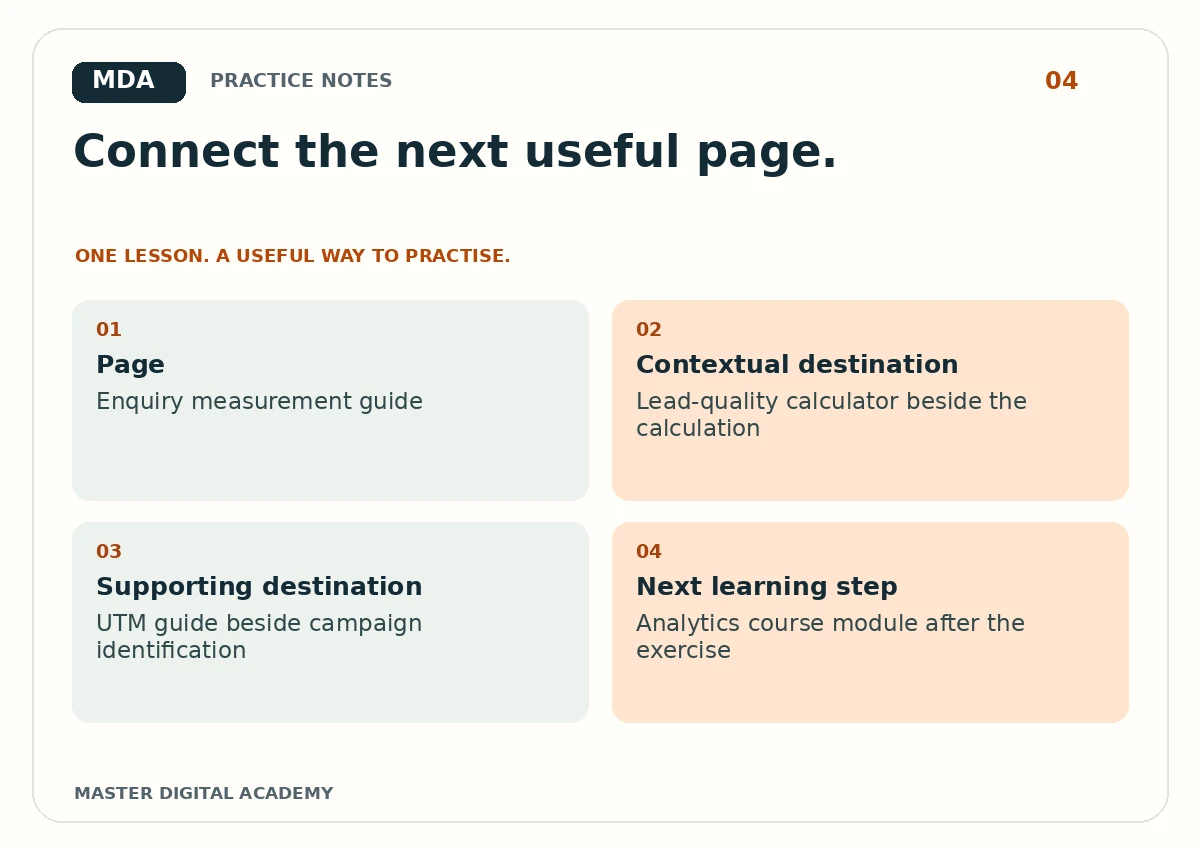
- Page
- Enquiry measurement guide
- Contextual destination
- Lead-quality calculator beside the calculation
- Supporting destination
- UTM guide beside campaign identification
- Next learning step
- Analytics course module after the exercise
Try it yourself
Create a table with source URL, destination URL, proposed anchor text and reason. Add ten useful connections across five pages. Limit yourself to links you can explain to a reader. Test all destinations, then ask a classmate to complete a task using the links without searching the site. Record where they hesitate. Your finished output should include the table, one annotated paragraph and two changes made after the usability check.
Questions learners ask
How many internal links should an article have?
Use the number needed to support the reader. There is no useful universal quota for every article.
Are footer links enough?
They help navigation, but contextual links can explain relationships more clearly at the moment a reader needs them.
Keep learning
Further reading: Google: crawlable links.