
Conversion · Practical learning
Mobile Enquiry Form Audit: Find the Problems Before Buying Traffic
Test labels, learning-mode options, validation, consent, success messages and lead saving with a practical mobile form audit.
An enquiry form can look complete and still lose every lead. A dropdown may contain no valid options. A submit button may display success even when nothing was saved. A floating chat control may cover the last field on a phone. Before judging advertising performance, test the form as a real visitor would. This checklist is built around an admissions enquiry, but the same approach works for quotation and consultation forms. Use a test environment or obtain permission before submitting test records to a live business.
Read every label and open every dropdown
Do not assume a field works because it has a border and an arrow. Open the learning-mode selector and check that the available choices can actually be selected. Choose each one, leave it and return to confirm the value remains. Labels should explain what is required; placeholder text alone disappears while typing. Phone inputs should accommodate the countries the business serves. Optional email should be marked clearly so a learner without a preferred email address does not abandon an otherwise valid enquiry.
Test the keyboard and the screen together
On a phone, the keyboard changes the usable space. Tap each field, type realistic values and move forward. Can you still see the label and error message? Does the page zoom unexpectedly because the text is too small? Is the submit action covered by a sticky contact bar? Try a long name and city, an international phone number and punctuation in the message. You are looking for real reading and entry problems, not merely checking whether the desktop browser window can be made narrow.
Make agreement and the next step understandable
The visitor should know why their details are requested and how the business will respond. If the form uses a submit-button agreement, place clear wording near that button and link the relevant privacy notice. Do not imply agreement to unrelated marketing. A callback request is not an appointment confirmation. Describe what actually happens, and have the site owner review the wording for the business’s practices and applicable requirements. Interface convenience should not create an inaccurate promise about data use.
Verify storage or delivery, not just the message
Submit a clearly labelled test and obtain evidence from the receiving system: database record, inbox message or CRM entry. Check the chosen mode, request, city and campaign information. A network response can help diagnosis, but the operational owner should confirm they can retrieve the lead. Test failure deliberately on staging. The website should explain that saving failed and offer a usable alternative. It should never display a saved reference simply because someone clicked the submit button.
Check the response process
A working form can still disappoint if nobody checks the destination. Record who receives or retrieves enquiries, how often they review them and what happens outside teaching hours. If there is no notification, say so in the handover. Test the WhatsApp route separately: opening a prepared message is different from sending it. Your audit should close with one successful full journey and a list of remaining limits. That evidence makes campaign reporting much more trustworthy than counting button clicks as admissions.
Worked example
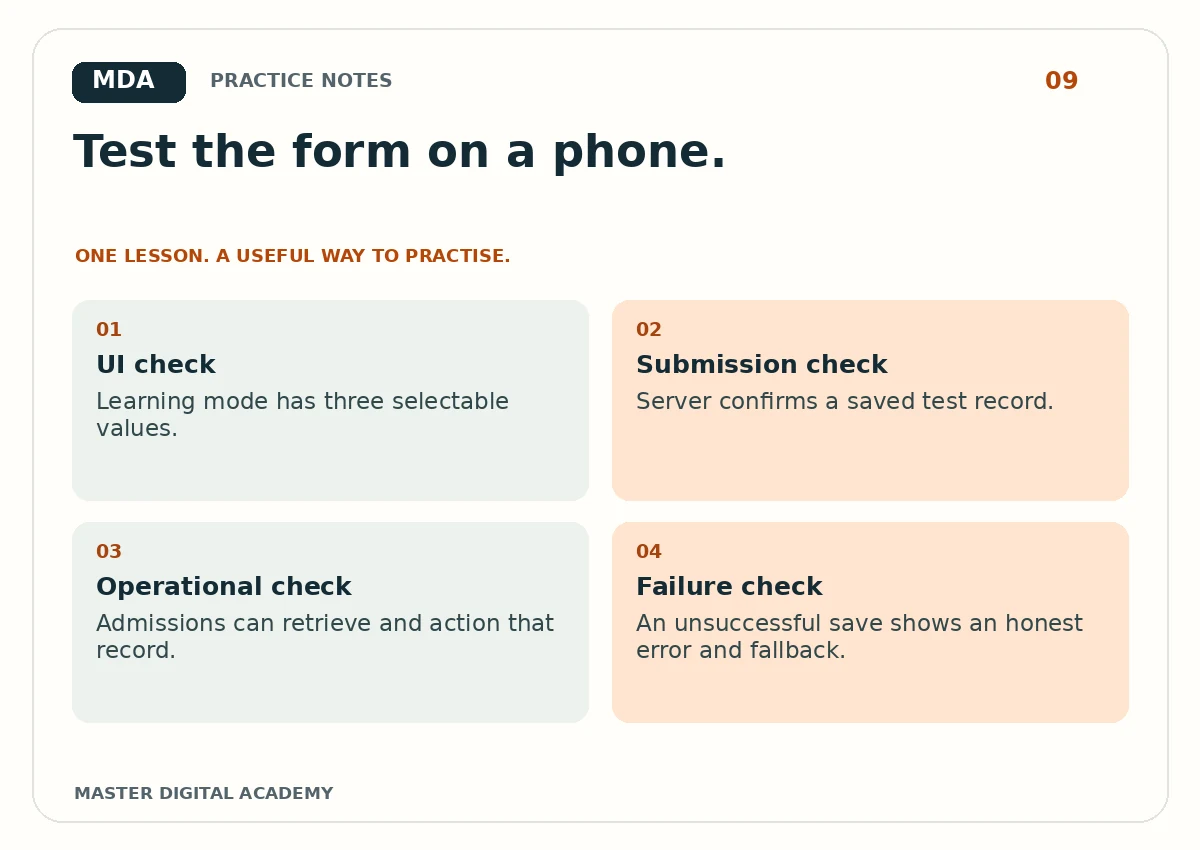
- UI check
- Learning mode has three selectable values.
- Submission check
- Server confirms a saved test record.
- Operational check
- Admissions can retrieve and action that record.
- Failure check
- An unsuccessful save shows an honest error and fallback.
Try it yourself
Create a test log with device, browser, input values, expected result and actual result. Run one valid enquiry, one missing-required-field case and one simulated backend failure on staging. Verify where the valid record went. Remove test personal data when appropriate and keep anonymised evidence. Give each failure a clear reproduction step so a developer can fix it. A useful bug report says what to tap and what happens, not simply “the form is broken.”
Questions learners ask
Is a WhatsApp button a saved lead?
No. It records an opportunity to start a conversation. Confirm whether a message was actually sent and received.
Do I need many devices?
Begin with an actual phone and a second browser where possible. Expand testing when you find device-specific issues.
Keep learning
Further reading: W3C: form labels and instructions.