
Websites · Practical learning
A Website Launch Checklist for Digital Marketing Students
Check routes, indexing, mobile layouts, forms and measurement before treating a new website as ready for traffic.
A website launch is more than uploading a homepage. Visitors need working routes, readable content, usable forms and a reliable response process. Search engines need access to the right version of the site. The business needs a way to measure what happens. This beginner checklist connects those tasks without assuming you are a server administrator. Work with the person responsible for hosting and keep a rollback plan. An attractive screenshot is a useful design milestone, but it is not evidence that a production website works end to end.
Create a page and asset inventory
List important URLs, downloadable files, images and verification files from the old site. Decide which URLs remain, which move and which retire. Do not redirect every missing page to the homepage; a useful replacement should match the original purpose. Keep backups outside the public website. If you are replacing WordPress with coded pages, preserve old media URLs that still matter until there is a deliberate migration plan. Deleting an uploads folder can break references even after the WordPress application has been removed.
Check the real production domain
Open the main domain, the www variation and a deep page directly. Confirm the intended version appears. Clear the hosting and CDN caches separately where applicable. A fresh browser session does not bypass every server-side cache. Check that production titles, canonicals and social previews use the live domain rather than a temporary review address. These are simple checks, but they prevent a common launch mistake: assuming the new files are being served because they exist somewhere in File Manager.
Review indexing controls and errors
A review site may intentionally use noindex. A production page intended for search should not inherit that setting accidentally. Inspect robots.txt, the sitemap and the HTML indexing directive. Test an unknown URL and make sure the response is a genuine not-found status. Ask the developer to investigate ambiguous cases instead of changing server rules blindly. Submitting a sitemap is useful, but it does not prove every page is indexed. Plan Search Console checks after launch as well as technical checks before it.
Complete one real enquiry journey
With permission, submit a labelled test using the live form. Confirm the record is saved or delivered and that the responsible person can see it. Check the selected course, city and enquiry type. Also test phone and WhatsApp links on an actual device. If the system has no email notification, document the manual retrieval process. A successful form message should reflect confirmed backend behaviour. Launch readiness includes what the admissions team does next, not just what the visitor sees on the screen.
Measure and keep the first-week watch list
Verify the analytics installation and relevant events without sending personal form details to analytics. Record the starting traffic baseline, then monitor important pages, errors and enquiries after launch. Separate a WhatsApp click from a qualified conversation and an admission. Use Search Console to inspect key URLs and observe indexing over time. Keep a short issue list with an owner for each item. The goal of the first week is stable operation and reliable evidence, not declaring victory because a test page appeared in search once.
Worked example
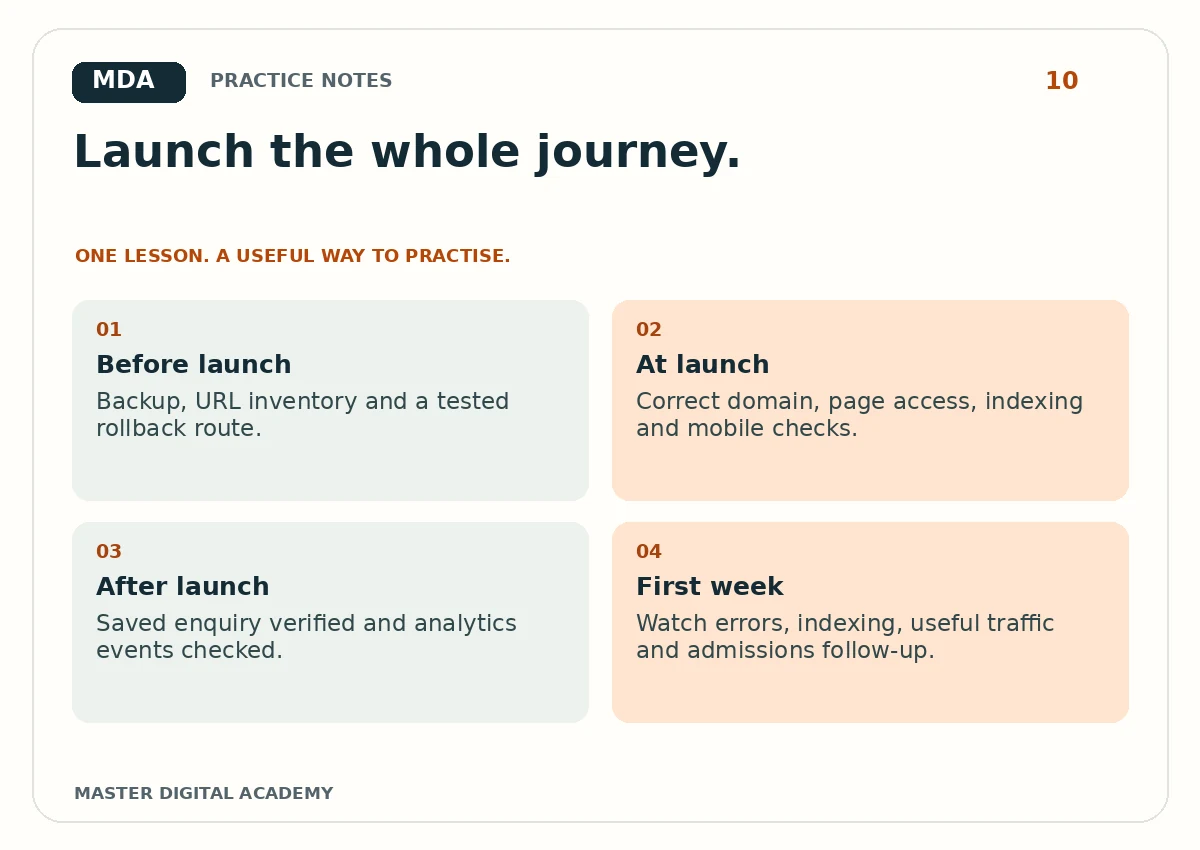
- Before launch
- Backup, URL inventory and a tested rollback route.
- At launch
- Correct domain, page access, indexing and mobile checks.
- After launch
- Saved enquiry verified and analytics events checked.
- First week
- Watch errors, indexing, useful traffic and admissions follow-up.
Try it yourself
Prepare a launch sheet for a five-page practice website. Include an owner, expected result and evidence column for every check. Test the homepage, a deep URL, an unknown URL and a form. If a check cannot be completed, mark it pending with the reason. Present the launch sheet beside your website as portfolio evidence. It demonstrates that you understand the difference between building a page and making a working marketing system.
Questions learners ask
Should I remove a staging noindex on every file?
Only pages intended for public search should become indexable. Private, test and error pages have different purposes.
Does launch mean the SEO work is finished?
No. Launch establishes access and measurement. Useful content, external discovery and ongoing improvement continue afterwards.
Keep learning
Further reading: Google: site moves and URL changes.