
Google Ads · Practical learning
Negative Keywords: Build a Careful Exclusion List Without Blocking Buyers
Practise choosing negative keywords from sample searches, with reasons to exclude, retain or investigate each query.
Negative keywords help prevent ads from appearing for searches you do not want to target. The difficult part is deciding what is truly irrelevant. A beginner may exclude “price” because it sounds like bargain hunting, then accidentally block people who are ready to request a quotation. This exercise asks you to explain each exclusion before applying it. The searches below are invented practice examples for a sofa-cleaning service. Use actual account evidence and current platform guidance before changing a live campaign.
Define what the business does not offer
Write down the service boundaries: cleaning existing sofas at customer premises, for example, rather than selling sofas or hiring cleaners. These boundaries make some exclusions easier to justify. A query about sofa manufacturing jobs does not describe the same task as a cleaning quotation. However, words can have different meanings in context. Review the entire search and the business offer rather than collecting a universal “bad words” list from the internet. Shared lists can contain terms that are useful for another business.
Sort queries into three decisions
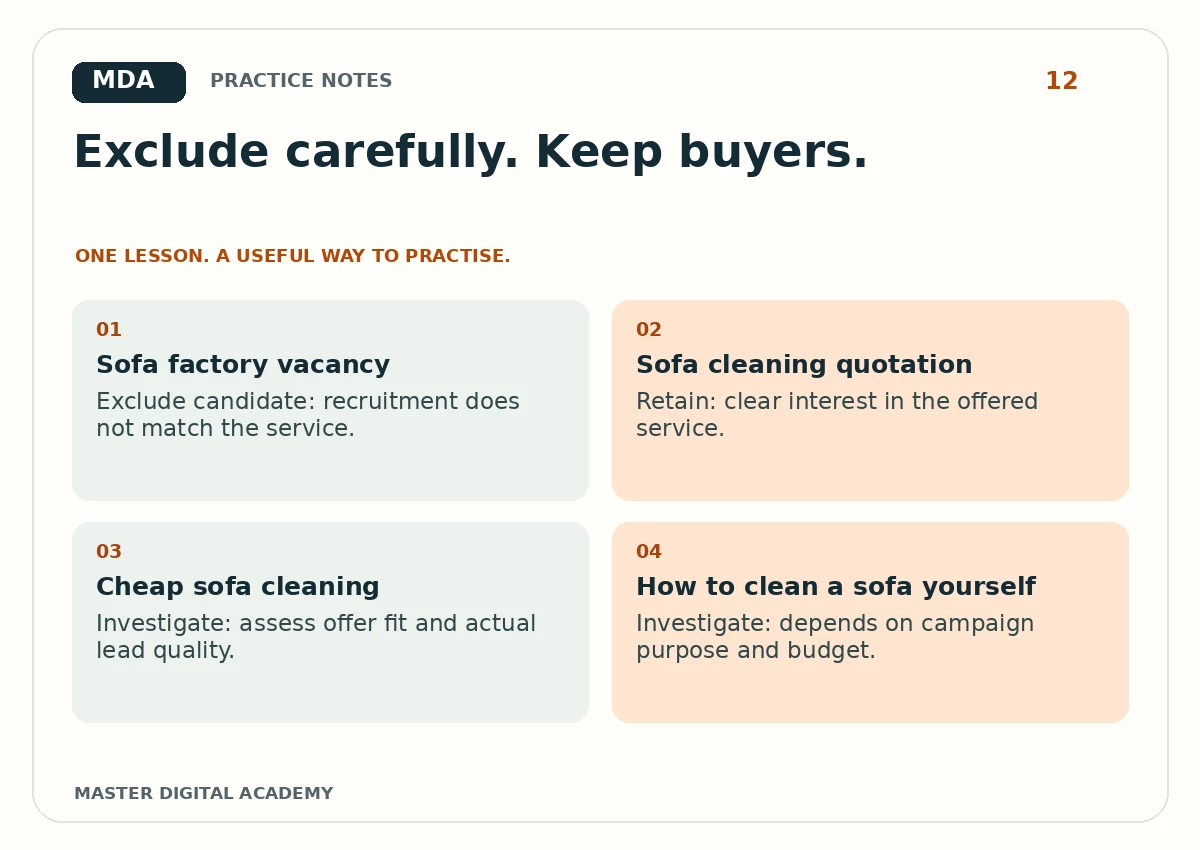
Use exclude, retain and investigate columns. “Sofa cleaning quotation” probably belongs in retain. “Sofa factory vacancy” may belong in exclude when recruitment is outside the campaign purpose. “Cheap sofa cleaning” needs a business decision and evidence; it is not automatically irrelevant. Record the reason and any uncertainty. This third category keeps you from making irreversible assumptions while learning. It is acceptable to investigate further when a phrase could produce either suitable or unsuitable enquiries.
Learn how negative matching behaves
Negative keyword matching is not identical to positive keyword matching. Google’s guidance notes that negative keywords do not automatically cover close variants in the same way. Check the exact current rules before relying on an exclusion. In your exercise, specify the negative match type and list example searches you expect to block or allow. Then compare those expectations with the documentation. The point is to understand the behaviour, not merely add quotation marks or brackets because they appear in another person’s spreadsheet.
Use lead feedback alongside search terms
A term that generates cheap form submissions may still attract poor-fit enquiries. Conversely, a term with a higher cost may produce customers who match the offer. Review enquiry outcomes where the business can do so responsibly. Avoid sending private form details into analytics. Keep a simple link between campaign identifiers and anonymised qualification outcomes. Search-term decisions become more defensible when you can explain how the query relates to what people actually asked for after clicking.
Review the list after changes
Keep a dated record of exclusions and the reason for each. Check whether useful traffic disappeared or relevant searches still appear. A negative list is a working decision log, not a file to install once and forget. Before applying a broad exclusion across every campaign, consider whether another campaign serves a different product or audience. Small account changes can have wider consequences when shared lists are attached. Students should practise identifying that scope before recommending bulk updates.
Worked example
- Sofa factory vacancy
- Exclude candidate: recruitment does not match the service.
- Sofa cleaning quotation
- Retain: clear interest in the offered service.
- Cheap sofa cleaning
- Investigate: assess offer fit and actual lead quality.
- How to clean a sofa yourself
- Investigate: depends on campaign purpose and budget.
Try it yourself
Review fifteen invented search queries and place each in exclude, retain or investigate. For exclusions, add a match type and a reason. For uncertain terms, write the evidence you need before deciding. Test five proposed exclusions against example searches. Give the worksheet to a classmate and ask them to find a useful search you might accidentally block. Revise the list and record why you changed your decision.
Questions learners ask
Should I copy a large negative list from another account?
No. Review every item against your own offer and campaign scope.
Are price-related searches always poor quality?
No. Price questions can be part of a serious buying decision. Use relevance and outcome evidence.
Keep learning
Further reading: Google Ads: negative keywords.